A bigger picture at the touch of a finger
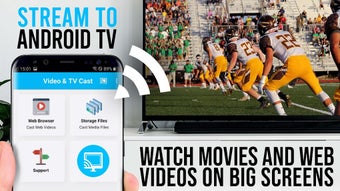
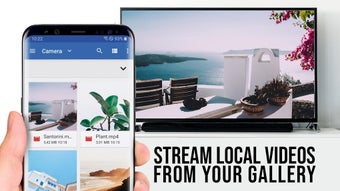
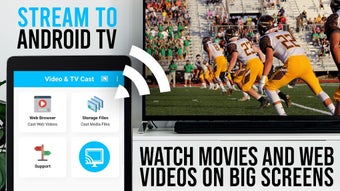
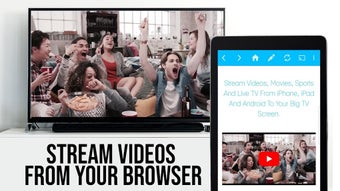
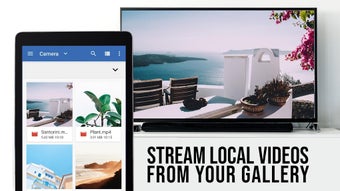
TV Cast for Android TV is a free app designed to simplify screen mirroring and casting from mobile devices to your TV. Developed by 2kit consulting, this tool allows users to stream videos, photos, and even games directly to their big screen, enhancing the entertainment experience.
Top Recommended Alternative

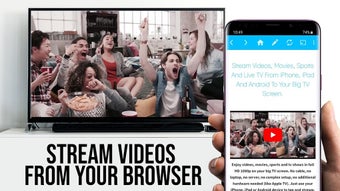
TV Cast for Android TV is compatible with Android 5.0 and higher, it features a straightforward setup process, requiring both your phone and TV to be on the same Wi-Fi network. Moreover, it can cast web videos to your smart TV without a hiccup, allowing you to view any content available on the internet.
Seamless transition from phone to TV
TV Cast for Android TV out with its variety of casting options, including the ability to browse web content and share media seamlessly. It even allows your phone to function as a remote control, giving users the convenience of managing playback directly from their handheld device. However, some users report occasional connectivity issues or difficulty pairing devices, which can be frustrating but are generally resolved with updates.
In addition, this casting tool gives users the ability to cast their own phone, showing videos or playing music with ease as the phone duplicates the action onto the users TV. While the app is overall functional, the repetitive promotion of ads and marketing for its premium features can be frustrating especially when it happens in the middle of a movie. Moreover, the app has bugs that disrupt the overall experience.
Visually, it delivers a clean interface and supports high-definition streaming, making it a solid choice for those who value quality. While the app itself is free, some advanced features require in-app purchases, and users are advised to review these options to avoid unexpected costs. Overall, this screen mirroring and casting app is a versatile and user-friendly tool for enhancing your home entertainment setup.
Cast content with ease to your big screen
TV Cast for Android TV simplifies screen mirroring and streaming with its user-friendly interface and extensive compatibility. It enables high-quality playback of videos, photos, and web content on your smart TV. While its seamless connectivity and remote control features enhance convenience, the app's ad interruptions and occasional bugs can detract from the experience. Overall, it’s a versatile tool for casual entertainment, though premium features may be needed for advanced users.